See EduPrompt ERP in action
Explore the real EduPrompt ERP dashboard experience — attendance, fees, admissions, academics, documents, setup checklist, reports, and daily school operations.
One premium dashboard to manage complete school operations.
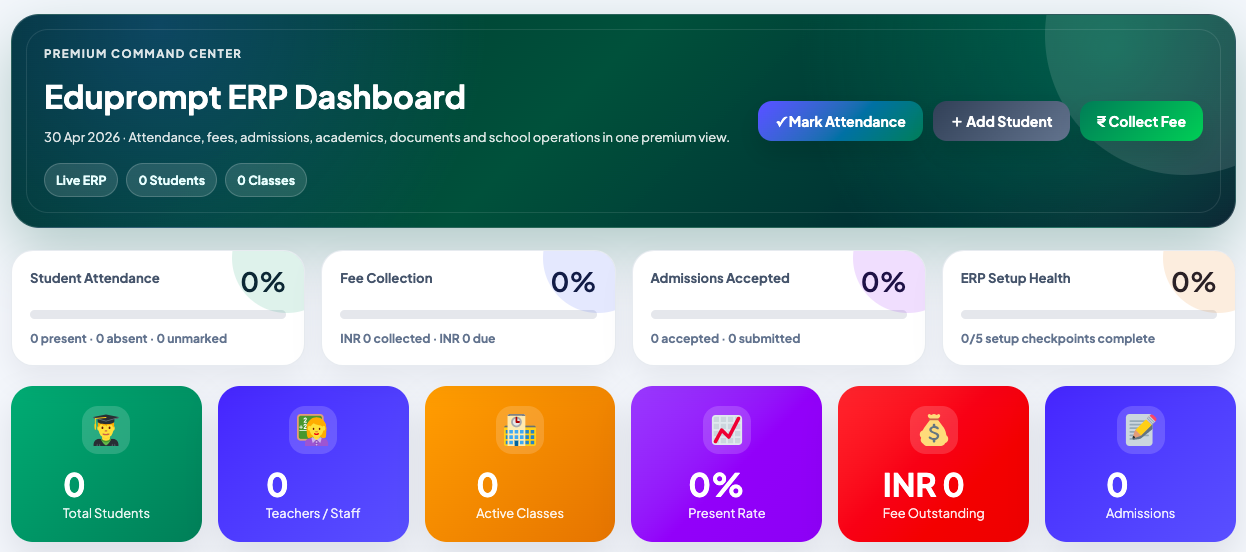
The EduPrompt ERP dashboard gives admins a clear overview of attendance, fees, admissions, classes, documents, and setup health.
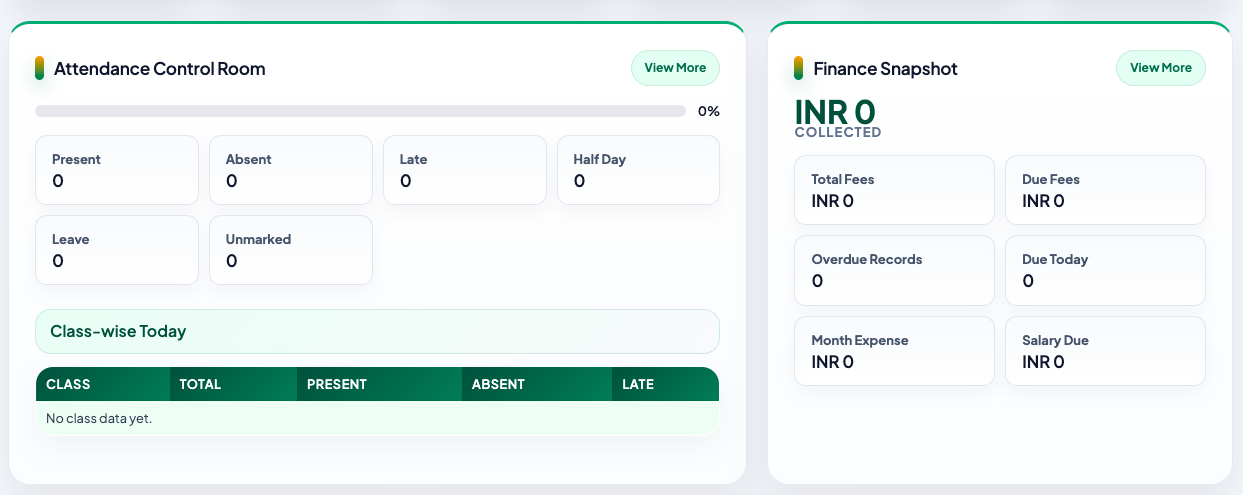
Track attendance and finance from one smart view.
Schools can monitor attendance status, class-wise attendance, total fees, due fees, overdue records, monthly expenses, and salary dues from structured panels.
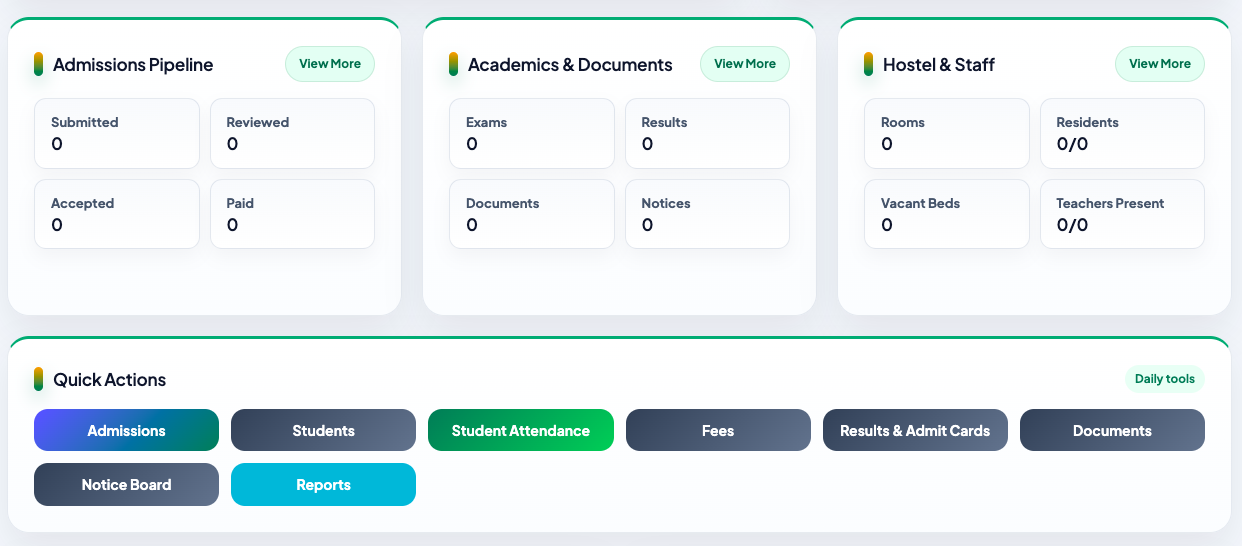
Admissions, academics, documents, hostel, and staff — organized clearly.
EduPrompt ERP keeps important school modules structured, making it easier for admins to control daily operations without switching between disconnected tools.
Daily school tasks accessible in one click.
Admins can quickly open admissions, students, attendance, fees, results, admit cards, documents, notice board, and reports.
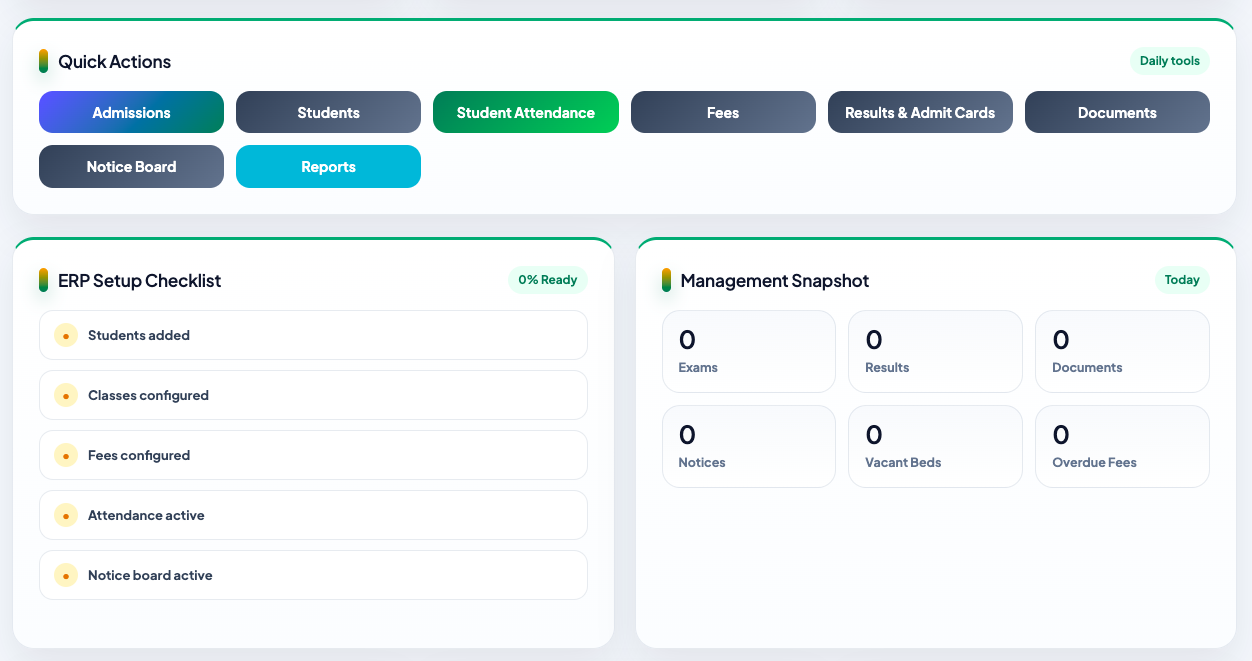
Know what is ready and what needs attention.
The ERP setup checklist helps schools complete onboarding properly, while the management snapshot gives a quick view of exams, results, documents, notices, vacant beds, and overdue fees.

Admin Dashboard
Premium command center for school operations.
Attendance
Present, absent, leave, late, half-day, and reports.
Fees & Finance
Collections, dues, expenses, and overdue records.
Documents
ID cards, admit cards, certificates, results, and notices.
Ready to see EduPrompt ERP for your school?
Request a live demo and we’ll walk you through the dashboard, modules, workflows, and setup options.
Request Demo
EduPrompt ERP is a premium school management system built to simplify admissions, attendance, fees, results, certificates, reports, and parent communication.
Request Demo